Adding Users
When you click on your username, all users are displayed.
About this task
Procedure
-
Click on your Username at the top right of the navigation menu bar and select Manage Users from the drop-down menu.
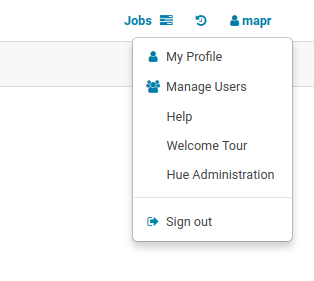
In this example, the username is mapr. -
The Hue Users - Create user dialog box opens.
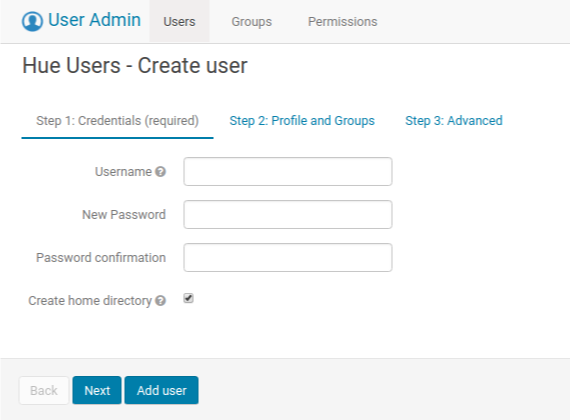
Click Add user to finish the process. If you want to assign superuser privileges to the user, click Next to proceed to the next screen. - Fill in the Username, New Password, and Password confirmation fields.
-
(Optional) Fill in the user's name and email address, and assign a group.

-
(Optional) Assign superuser privileges to the user that you just added by checking the
Superuser status box.
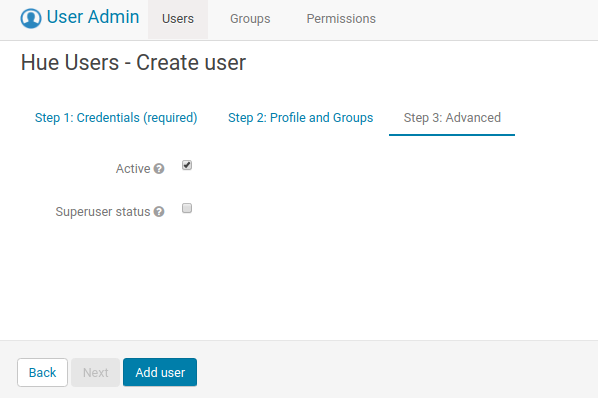
- Click Add User.