Changing Your Password
Once you log in, you can change your Hue password.
About this task
Procedure
-
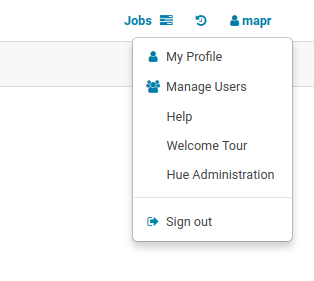
Click on your
Username
at the top right of the navigation menu bar and select Edit Profile from the
drop-down menu. In this example, the username is mapr.
The Hue Users dialog box opens. -
Enter your current password in the Current password field and enter your new password
in the New Password field. Retype the password in the Password confirmation field.
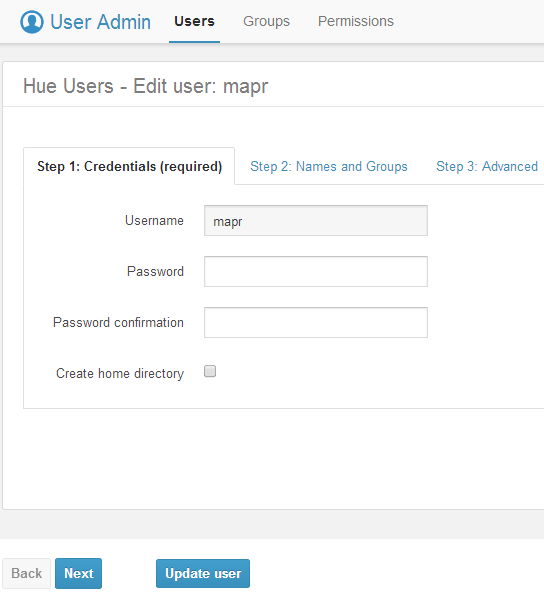
- Click Update user.